
Six Vibe-Coded Tools I Built to Fix Illustrator and InDesign's Worst Habits
Six Vibe-Coded Tools I Built to Fix Illustrator and InDesign's Worst Habits
I build small custom tools for my own Illustrator and InDesign workflow, and over the past few months I've vibe-coded a batch of them, meaning I built them by working with AI instead of writing them from scratch myself. None of these are big pieces of software. They're all the same shape of problem: something Adobe's tools either can't do at all, or make so clunky that I was doing it by hand every single time. Here are six of them, what they fix, and why I finally bothered to build each one.

A logo grid maker that tests every two-color combination in a brand palette
When I'm developing a new brand, I want to see how every color in the palette actually looks against every other color, using the real logo marks, not abstract swatches. That matters for aesthetics and for the accessibility considerations that go into brand guidelines. I used to do this by hand, and the more colors in a palette, the worse it gets. I've built out 50 combinations manually before, and at that volume it's easy to accidentally skip one. Not a huge deal in isolation, but I want all of them, every time. The tool generates the full set automatically. It still needs a little finessing, but right now it's working the way I expect.
A WCAG accessibility checker that lives inside Illustrator
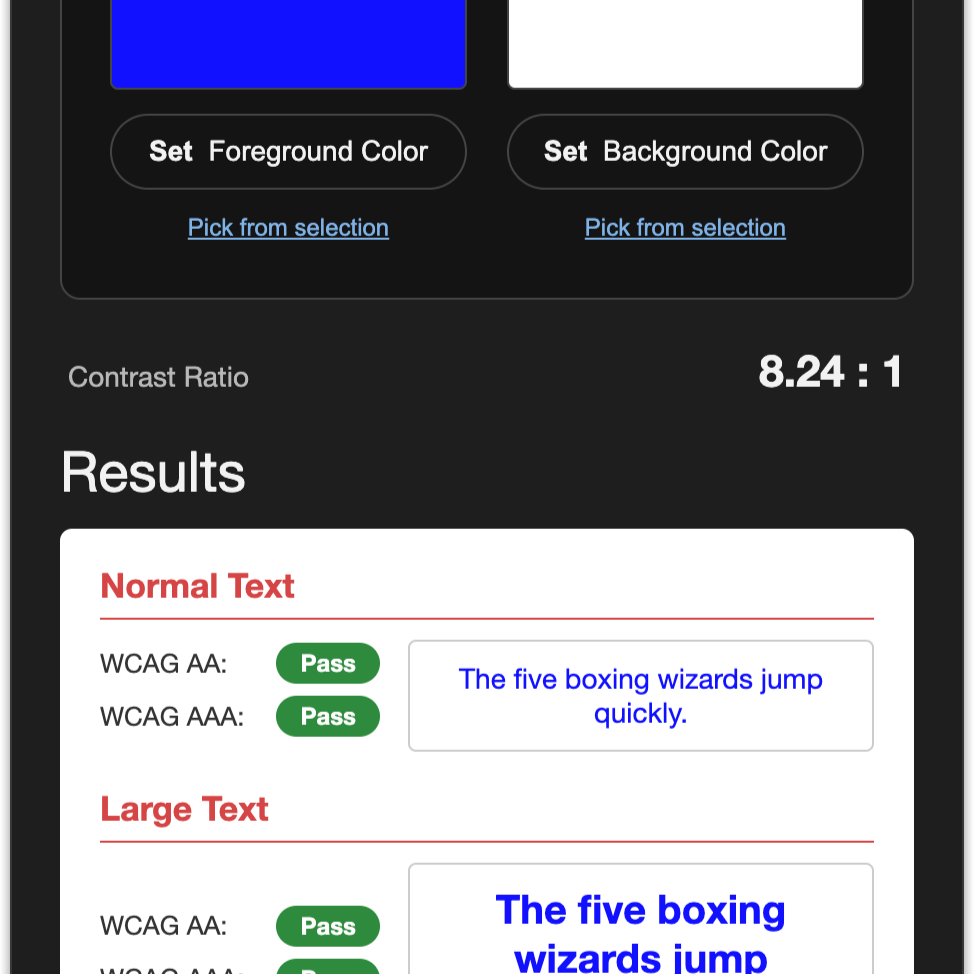
My old process for checking color contrast was: open the color panel in Illustrator, copy the foreground hex code, paste it into a web contrast checker, go back to Illustrator, copy the background hex code, paste that in too, check the result, and repeat every time I wanted to test a new pairing. This panel lets me just select the colors in Illustrator and get the readout right there. I actually built two versions along the way. The first was a floating JSX palette, but it didn't work the way I needed, and I wanted something more visual so I could actually understand the result at a glance instead of parsing a number. The CEP panel is the one that stuck.
A crop marks generator for odd-sized riso prints
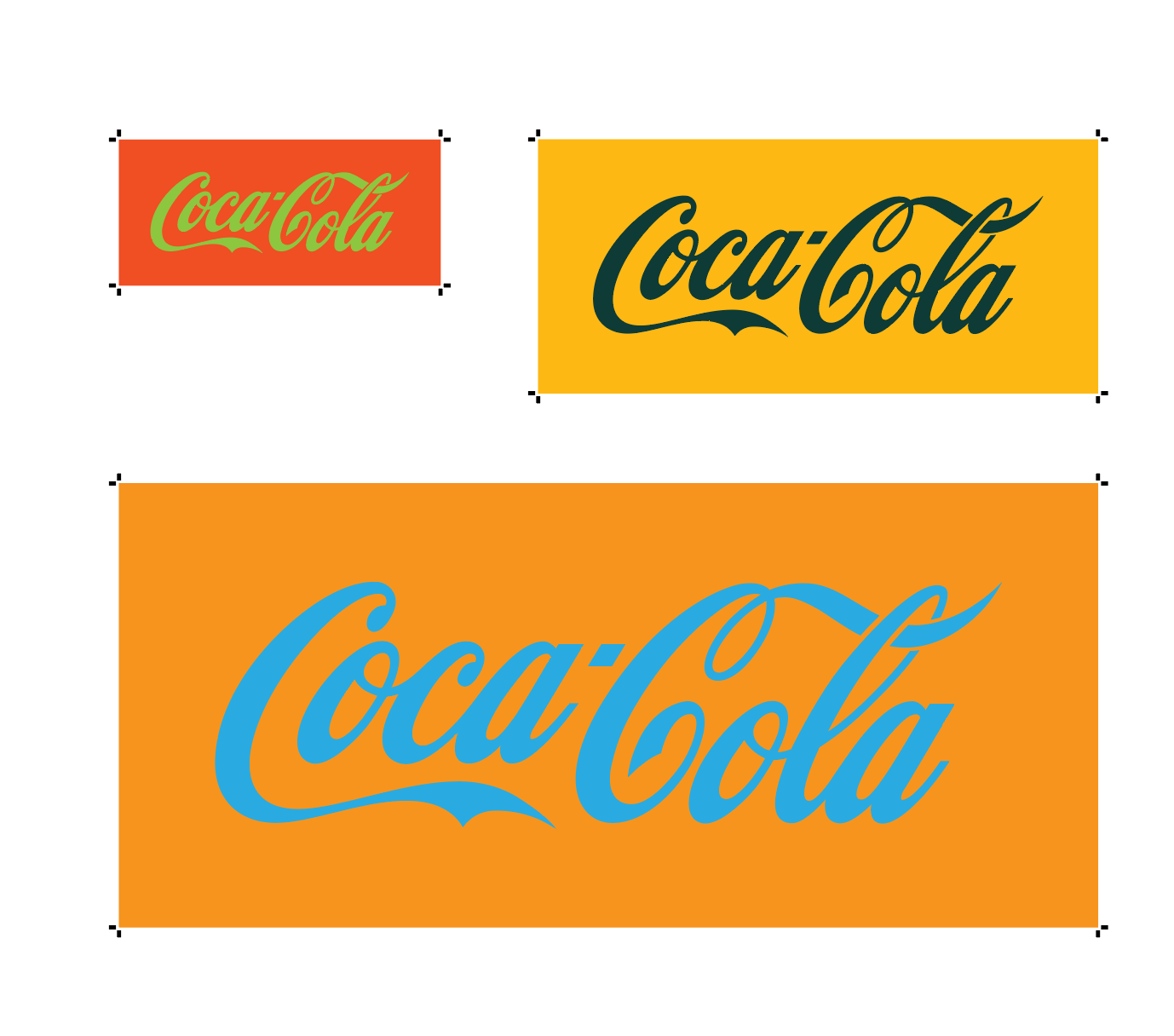
Illustrator can make crop marks easily, but that's built for standard setups. When I'm prepping a riso print run, I'm often working with a lot of unusual sizes crammed onto one page, and I need trim marks on every single one so I can cut them accurately on my industrial paper cutter. The old manual version was: draw a box, draw four lines, hide the box, hide the interior lines, repeat for every shape on the page. This tool adds crop marks instantly to any rectangle on the artboard, at any size.
A batch resizer and aligner for sponsor logo walls
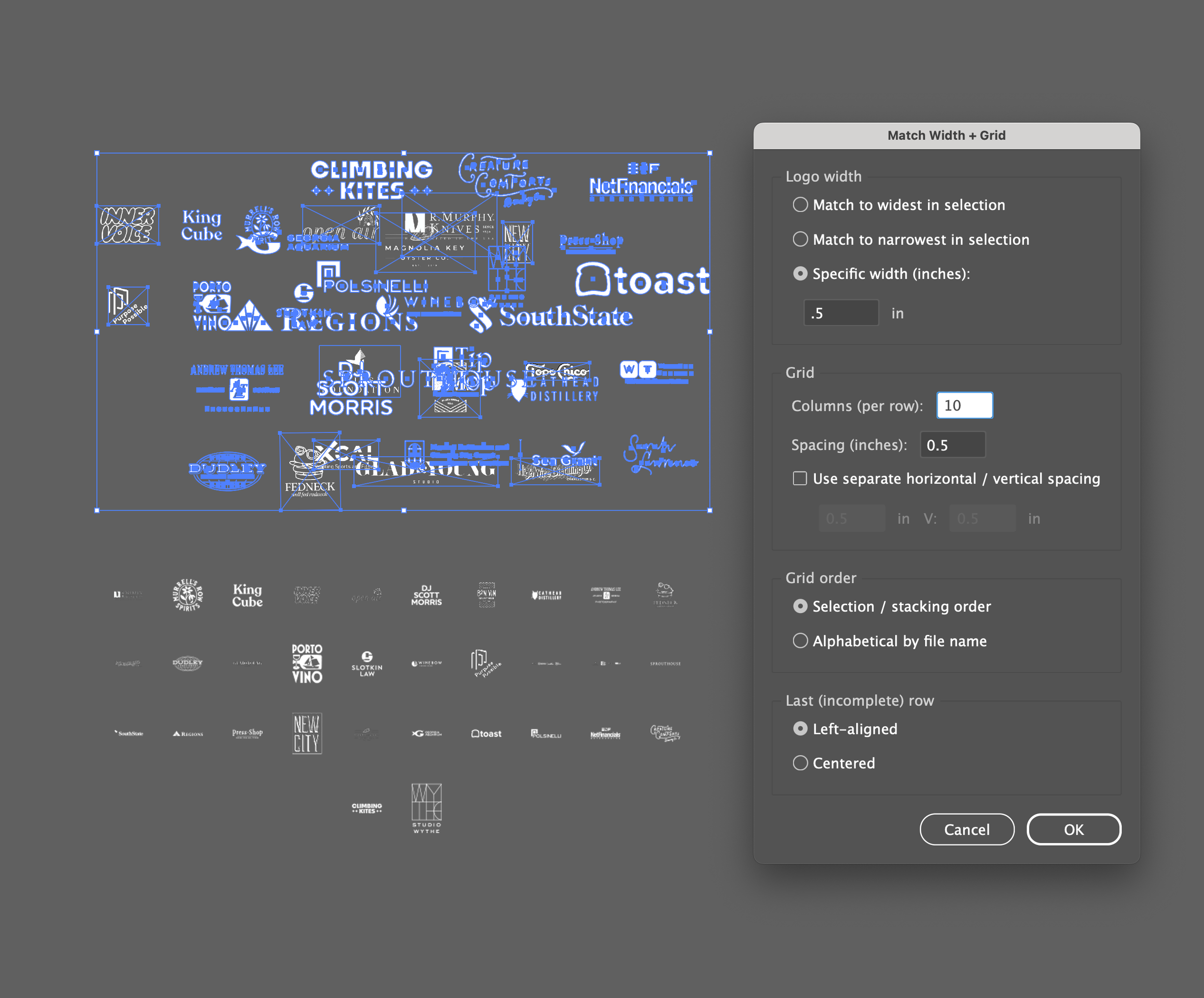
This one comes from a very specific and very dumb gap. Illustrator has no built-in way to batch resize a group of elements to match. None. If I'm building a sponsorship wall with 30 logos, they all come in at wildly different native sizes, and I've had to set each one individually by hand. It's slow and it feels stupid every time. I looked at whether batch exporting through Photoshop first would help, but that's just adding another step to the same problem. This tool lets me set a target size for everything at once, and it can also sort the logos alphabetically by file name, so as long as files are named correctly, the grid comes out in the same order every time. I can still nudge individual sizes afterward for visual balance, but the tedious part is gone.
If you're noticing a pattern across these first four, you're not wrong. Adobe's tools are either missing a basic capability or make you do something repetitive and manual that a script handles instantly. That gap is basically the whole reason this roundup exists.
A Claude-powered spell checker for InDesign
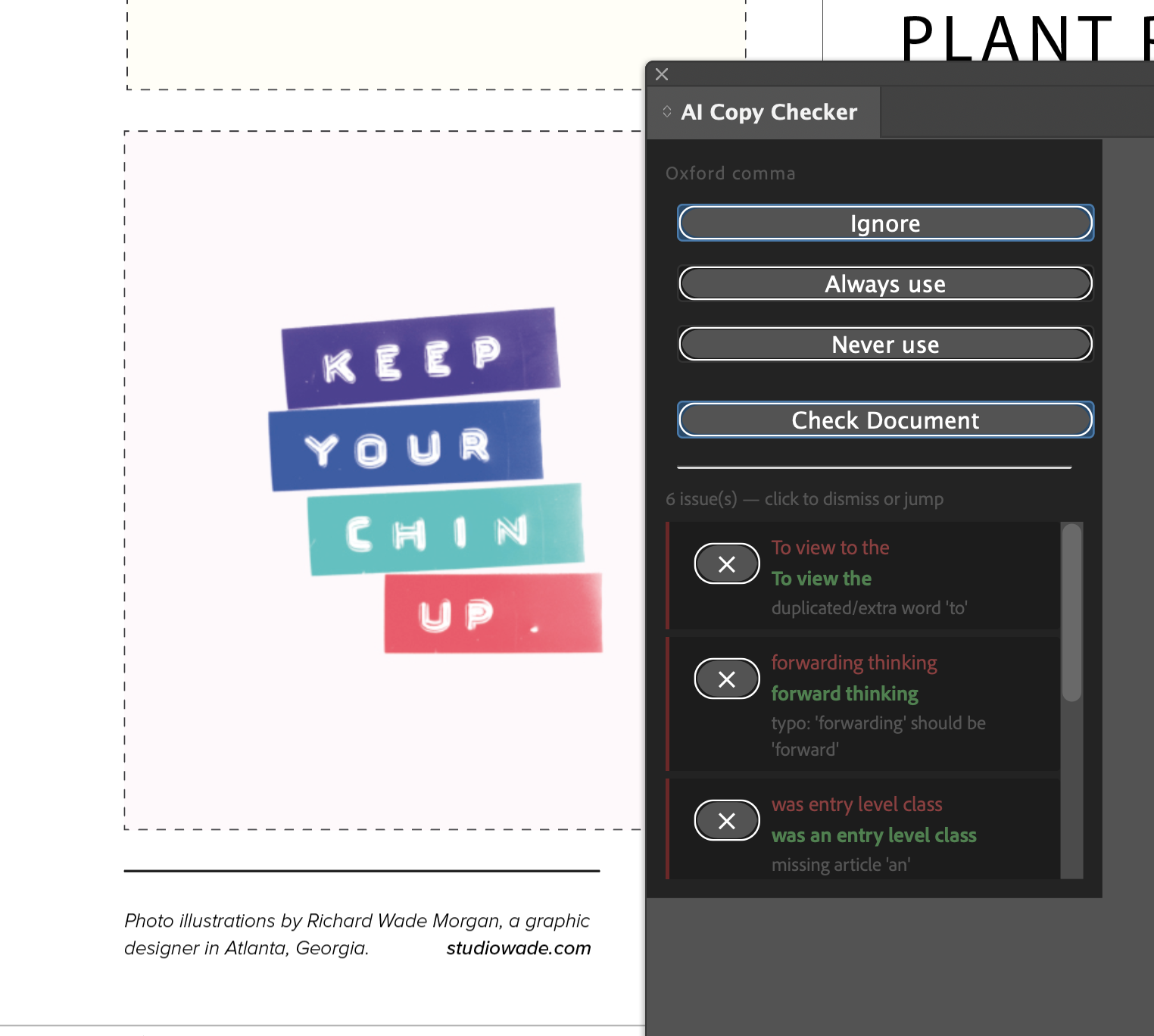
InDesign's built-in spell check is so out of date it flags words like "email" as a typo. I've gone looking for something like Grammarly for InDesign more than once, and the common advice I've found is basically "just make sure your copy is spell-checked before it ever gets to InDesign," which isn't realistic. A lot of text comes into a layout from other documents, old and new, and there's no way to know whether it was proofread before it landed there. I wanted something that actually understood the copy in real time, flagged issues as I worked, and let me check them off as I went. I hate handing a client a document with a typo in it, and this closes that gap.
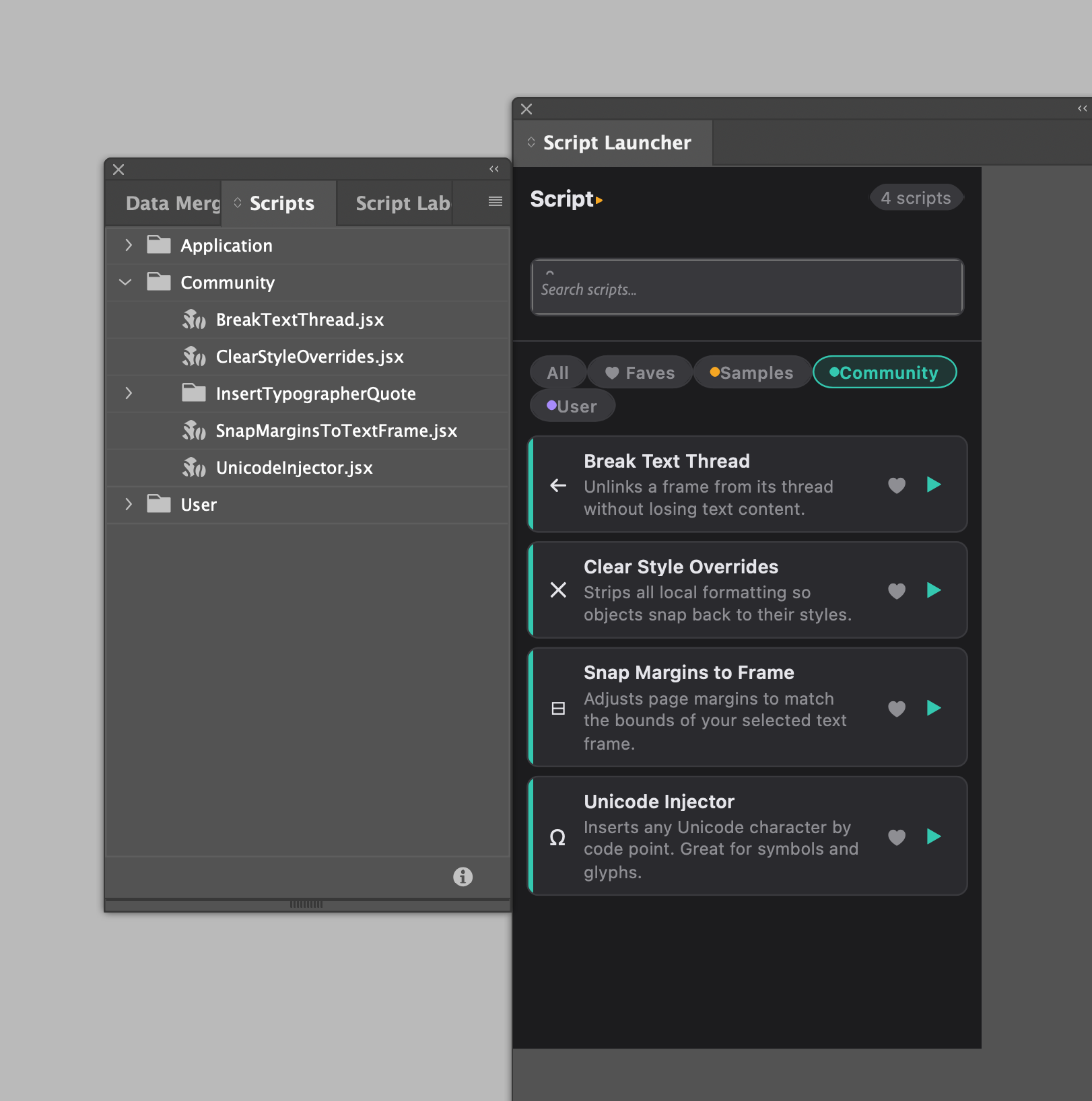
A Launcher for Pre-existing and DIY Scripts (InDesign)
Several scripts I asked Claude to build me apparently already existed – the problem is that I just never have spent much time really exploring the Scrips panel beyond the 2-3 I use most often. It’s ugly! I made a little panel that would just reskin them, add some context, and let me favorite ones that were most useful.
FAQ
Are these tools built with AI or hand-coded? Vibe-coded, built by working with AI rather than writing the scripts and panels from scratch by hand.
Are any of these available for other designers to use? Not currently, these are built for my own studio workflow. If that changes for any of them I'll update this post.
What's the difference between a JSX script and a CEP panel? A JSX script is a lightweight Illustrator script, quick to build but limited in how it can display information. A CEP panel is a fuller custom interface inside Illustrator or InDesign, which is why some of these tools, like the accessibility checker, ended up needing the panel version instead.