
Aura Booth: An Instant-Film Photobooth That Paints a Living Aura Around You
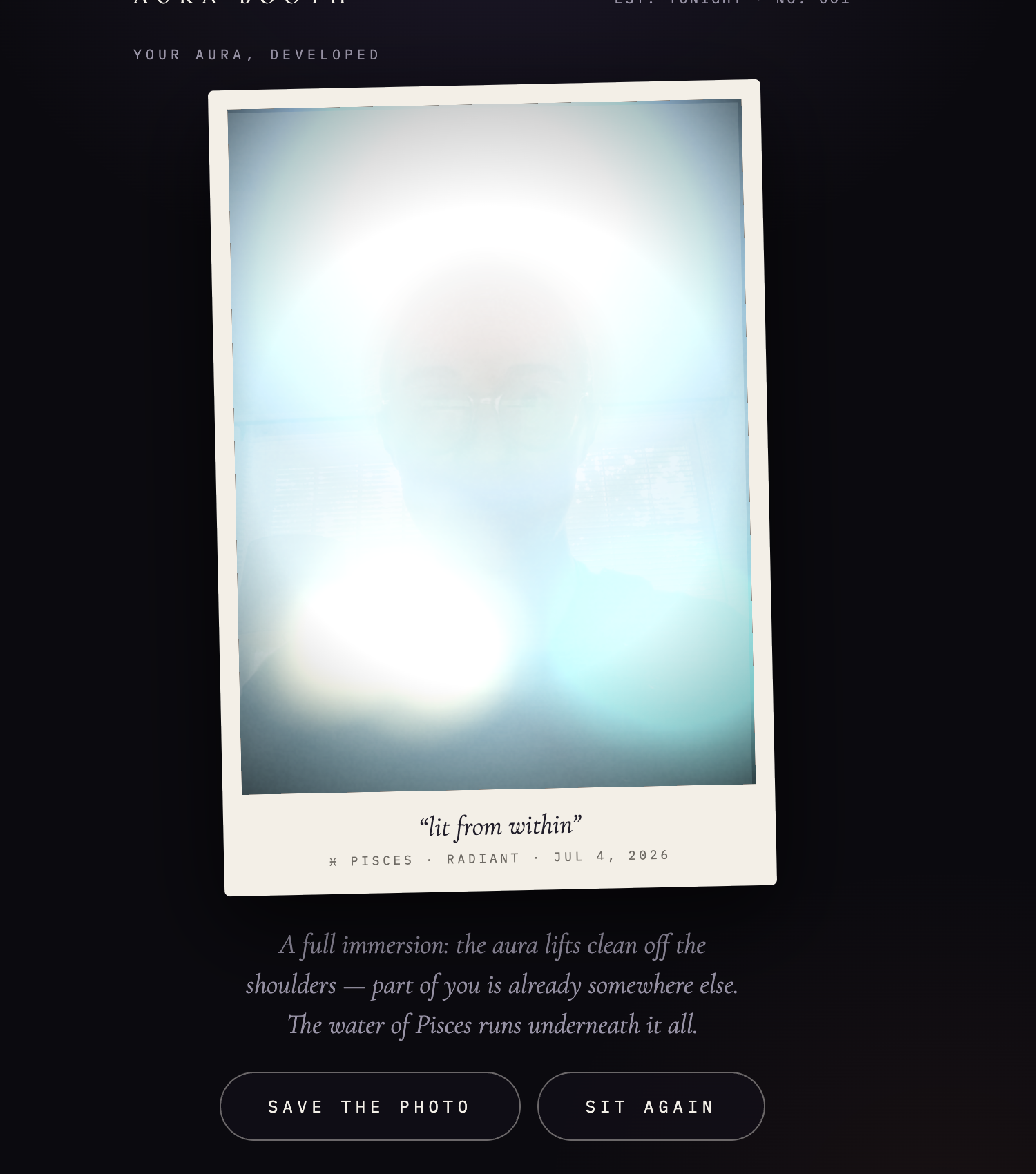
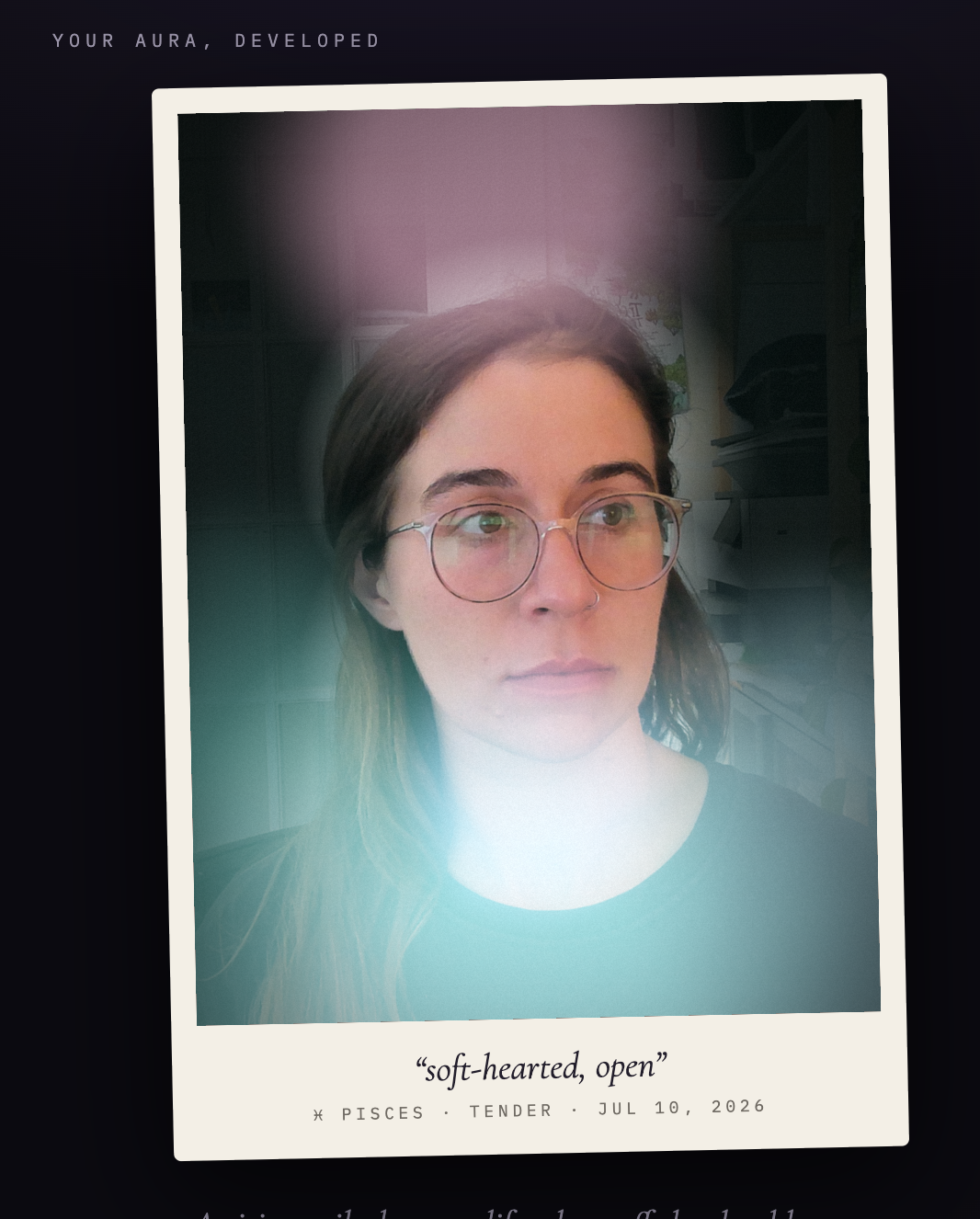
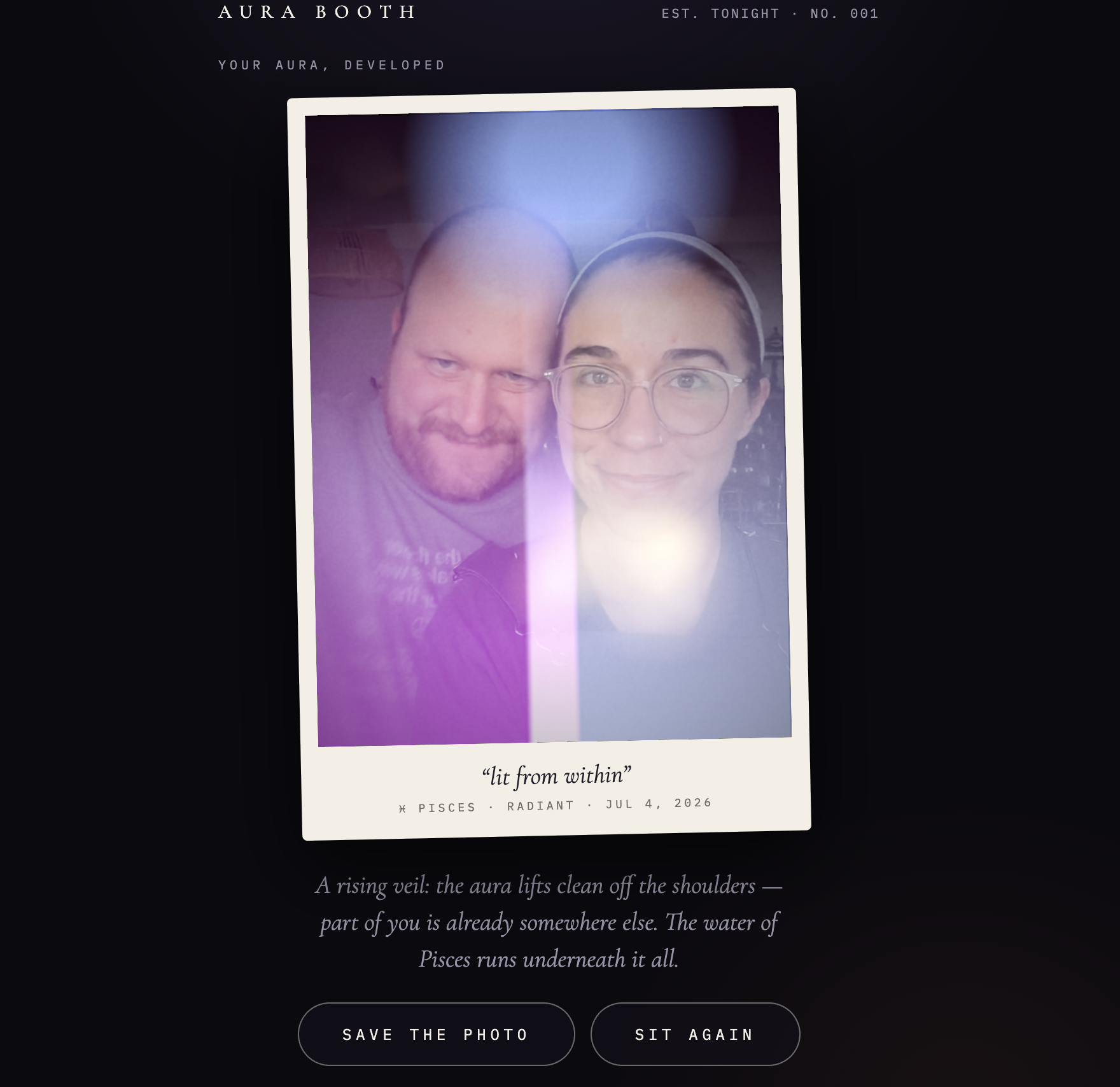
Aura Booth is an aura photobooth built as a single HTML file. You answer three quick questions, your sign, your mood, and where your energy is sitting, then take a portrait, and it develops into an instant-film-style photo where a living, slowly drifting field of color envelops you against a dark background. This one's part of the vibe-coded series, and it's the one with the most genuinely intricate procedural rendering underneath a very simple-feeling interaction.
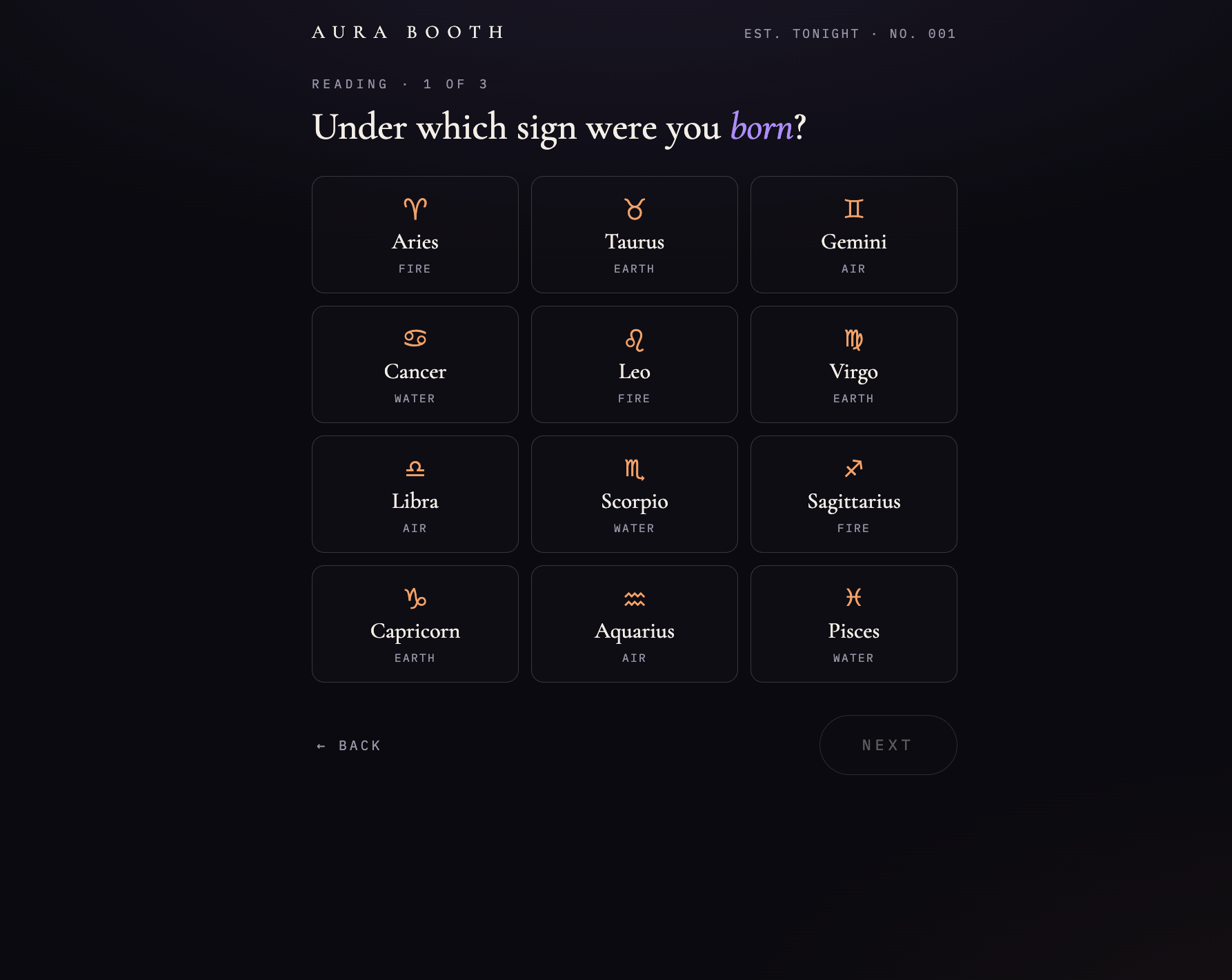
What does the actual experience feel like?
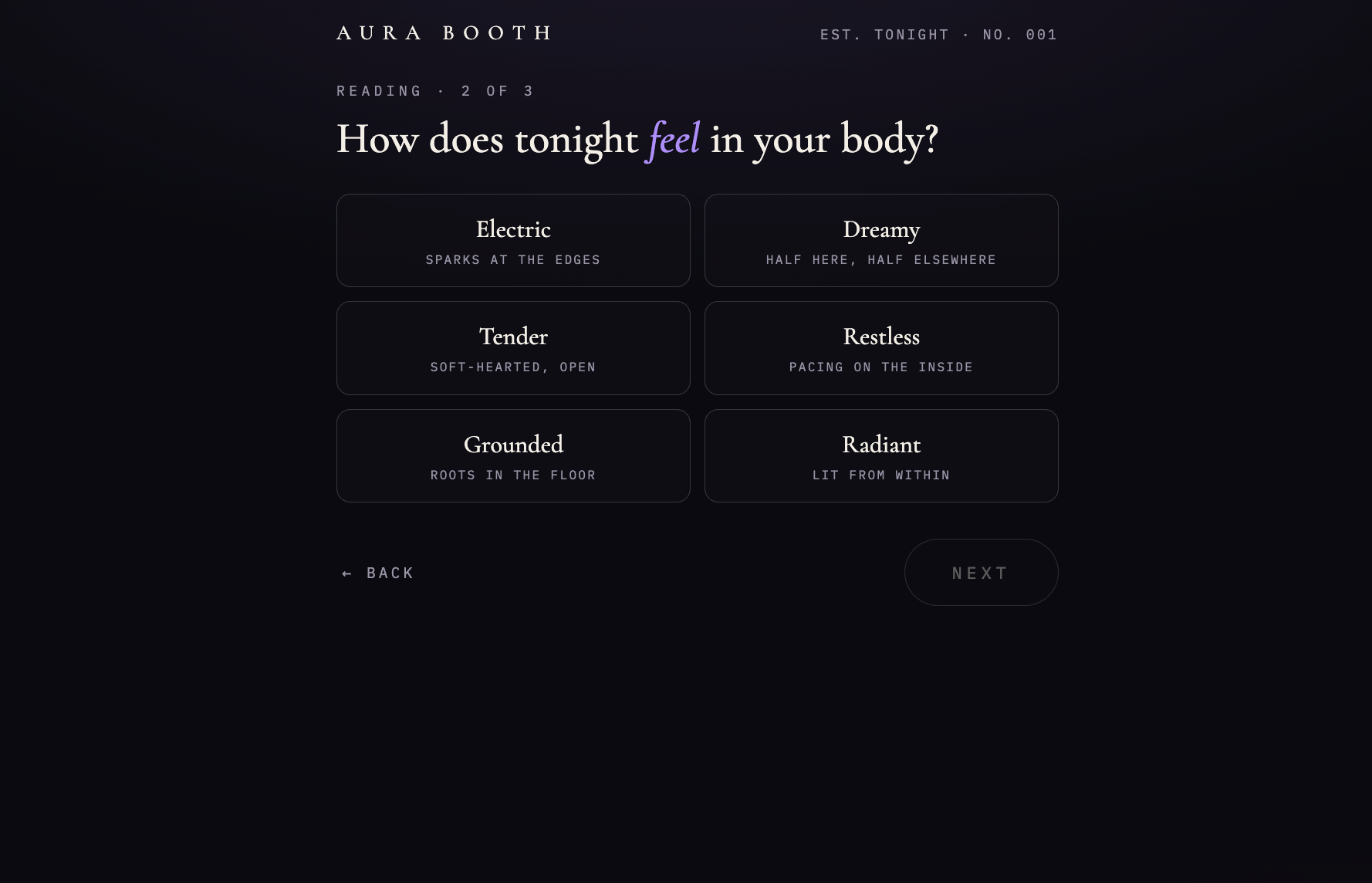
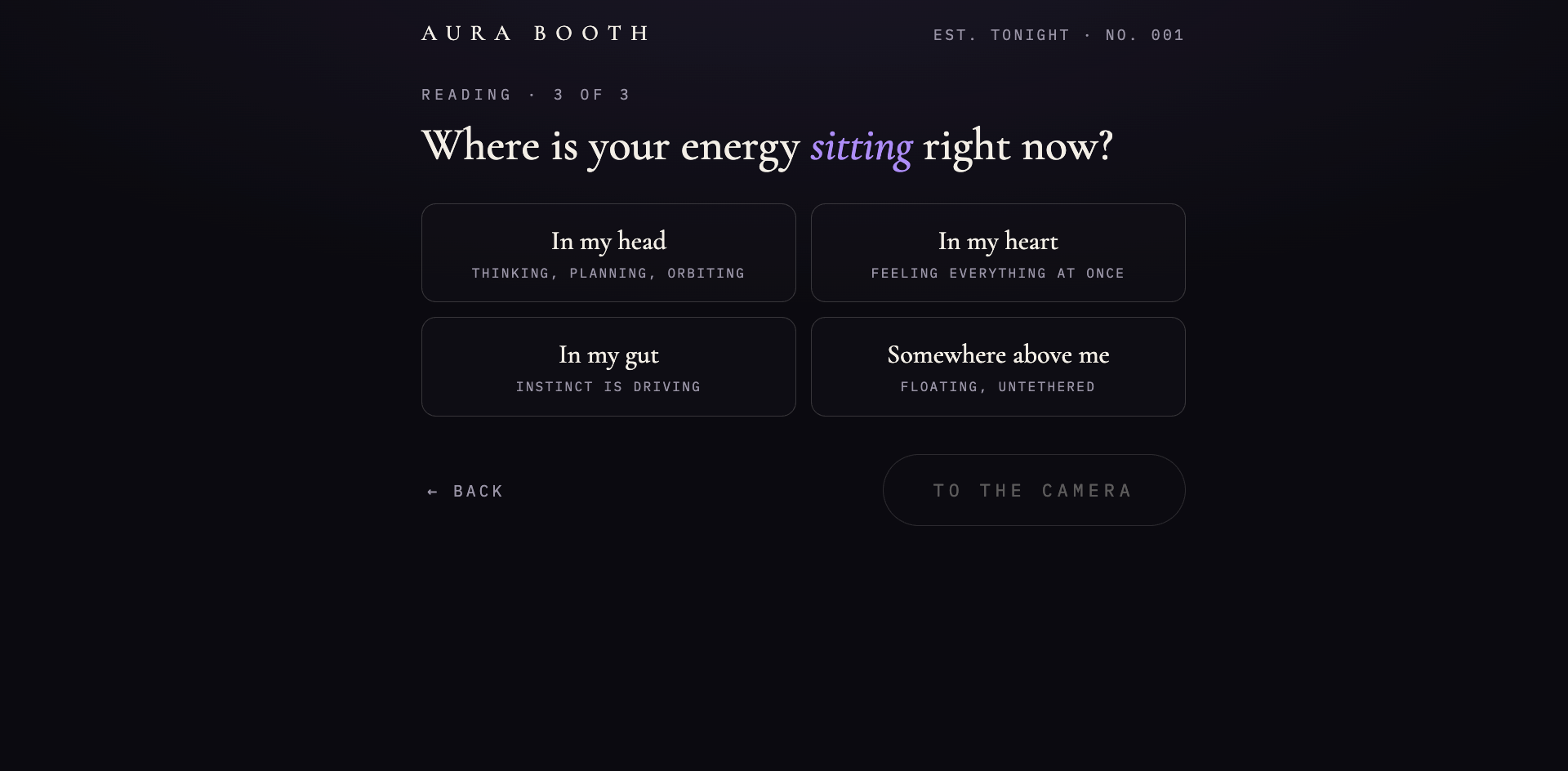
Three tap-to-answer questions, a camera step, then a develop screen where the photo fades in from milky white inside a polaroid frame. The three answers you give aren't just flavor text, they actually drive the whole look. Your sign sets a color palette based on its element, your mood shifts the temperature and intensity of that palette, and the third answer determines the aura's overall shape and where it sits densest around you.
What makes aura photography special in the first place?
Aura photography is compelling because it turns an invisible, slightly unanswerable question—“what is my energy like right now?”—into a physical object you can hold.
Traditional aura-camera setups are not simply portraits with colorful smoke added afterwards. You sit down, put your hands on sensor plates, get your picture taken, and receive an instant-film print with a color visualization mapped from that moment’s sensor input. The colors are interpretive rather than scientific proof of a literal glowing field, but that does not make the experience meaningless. It gives the whole process a ritual: you are present, the machine is reading something, and the resulting image becomes a little souvenir of how you felt that day.
The instant film matters too. You get one particular image, with its own exposure, texture, timing, and small physical weirdness. It is not infinitely editable. It is a portrait, a reading, a performance, and an artifact all at once.
So what can a digital aura booth do differently?
Aura Booth cannot reproduce the sensor-based, instant-film ritual exactly, and I did not want to pretend it could.
Instead, it uses a different kind of input: three tiny self-reported choices about your sign, mood, and where your energy feels like it is sitting. Those answers do not claim to measure you. They give you a hand in composing the image.
That changes the experience from “a machine has read my aura” to “I helped make a portrait of how I feel right now.” The aura is still responsive and personal, but it is openly interpretive. Your sign establishes the palette, your mood shifts its temperature and intensity, and your last answer changes the aura’s shape, density, and placement around your body.
The hard part was making that interpretation feel embodied instead of decorative. A normal digital effect can put color behind somebody. Aura photography feels more convincing when the color seems to belong to the person: catching the edge of glasses, moving through hair, and leaking softly back onto skin. That is why the aura in this booth is rendered both behind and in front of the portrait, then screened back onto the subject instead of sitting there like a very fancy Zoom background.
The goal is not to make a fake AuraCam. It is to build a new kind of aura-photo ritual for the web: one that keeps the mood, intimacy, color, and little bit of mystery, while being honest about the fact that it is a portrait you are co-authoring.
How is the image itself actually built?
In layers. Your portrait gets separated from its background and placed on near black, and a procedurally generated aura is composited both behind and in front of you, with the color also emitted back onto your skin, glasses, and hair so it reads as something radiating off of you rather than a flat overlay pasted on top. A slow, continuous animation keeps the aura gently drifting and breathing, never flashing, never looping in an obvious way.
What's actually happening technically?
The whole thing is one self-contained HTML file, under a thousand lines, with zero bundled dependencies, drag-and-drop deployable to any static host, and it renders entirely through the Canvas 2D API. Camera capture uses a live webcam preview where the browser allows it, with an automatic fallback to a device's native camera or an existing photo through a file picker, so it still works inside app webviews and sandboxes that block live camera access outright.
Separating you from the background uses a selfie segmentation model, loaded on demand, but it's deliberately decoupled from the actual rendering. The photo develops instantly using a fast geometric approximation of your silhouette, then silently upgrades to the true cutout once the real model resolves, bounded to a five-second budget so nothing ever sits there waiting on the network.
Why doesn't the animation feel jittery or distracting?
Because there's no per-frame randomness at all. Film grain and color noise get generated once and frozen into the base image, and the only thing that moves frame to frame is slow, continuous motion, gentle drift, a small breathing scale, and a second offset copy of the aura that separates from and rejoins the first, which reads as the aura internally reorganizing rather than obviously repeating. The measured frame-to-frame change is roughly a fifth of typical reference material for this kind of effect, which is exactly why it drifts calmly instead of flashing.
What makes it actually look like film?
Frozen monochrome grain layered with chromatic color noise for analog texture, an off-center, irregular vignette with an asymmetric corner crush, stray light flares drawn in the palette's own colors, a warm or cool color cast, and a slightly misregistered second exposure. Saving the result composites whatever frame the animation is on into a full polaroid, border, handwritten-style caption, sign, and date all baked directly into the downloadable image.
What happens when something doesn't load?
There are fallbacks layered the whole way down. If the segmentation model can't load, it falls back to the geometric silhouette. If the animation path fails, it falls back to a static single-frame render. And if everything else fails, there's a last-resort portrait-on-black so the develop screen is never actually empty. One honest caveat worth naming, the true cutout and the color-on-skin emission are strongest over a real hosted domain, where the segmentation model can fully load. In a sandboxed preview environment, it falls back to the rougher geometric silhouette instead.
FAQ
Does Aura Booth require an internet connection to work? Person separation benefits from loading a model over the network, but the photo develops instantly regardless, using a fast geometric fallback that upgrades silently if the real model resolves in time.
Can you use it without a live camera? Yes. It automatically falls back to a device's native camera or an existing photo through a file picker if live camera access isn't available.
How is the aura's shape determined? By your answer to the third question, which selects one of five overall compositions and where the aura sits densest around you, combined with your sign and mood, which set the color and intensity.
Is Aura Booth the same as traditional aura photography?
No. Traditional aura-camera systems use hand-sensor input and create an instant-film portrait with a symbolic color visualization. Aura Booth is a digital interpretation inspired by that experience: you answer three questions that guide the color, intensity, and shape of the aura around your portrait. It is designed for reflection and play, not as a measurement or diagnosis.